

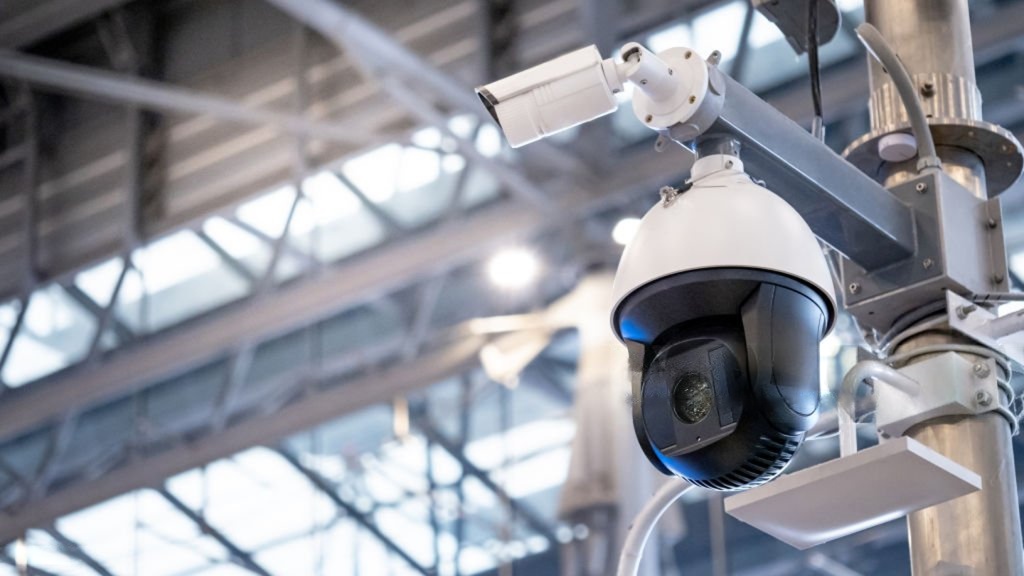
A home camera often answers one basic question: who came to the property? A business may need to answer several questions at once. Who entered after hours? What happened near the register? Was a delivery completed? Which vehicle approached the loading area? Where did an incident begin?
That difference shapes every commercial security camera installation. Businesses need coverage planned around operations, people, inventory, access, and potential liability rather than a standard collection of cameras mounted wherever space is available.
In this guide, we explain what a commercial system may include, how camera needs change across different business types, and what Fort Myers owners should review before requesting an installation estimate. Let’s begin.
Why Commercial Properties Need a Different Camera Approach
A business does not experience risk evenly across the building. The front entrance may receive customers throughout the day. A rear door may remain quiet until a delivery arrives. A warehouse aisle could contain high-value inventory but little foot traffic. A restaurant register may be busy for hours, while the kitchen and service entrance follow completely different patterns.
Generic camera kits rarely account for these differences. They may provide enough cameras to cover several rooms, yet still miss the angle needed to understand an incident. A professional site walkthrough should examine:
- Public and employee entrances
- Cash-handling areas
- Storage rooms and inventory
- Parking lots and vehicle approaches
- Delivery and loading zones
- Lighting during and after business hours
- Existing cable routes and network capacity
- Areas hidden by shelving, walls, signage, or landscaping
The number of cameras matters less than what each camera is expected to show. A wide view may establish context, while another camera may need to capture closer detail at a register, doorway, or vehicle entrance.
What Is Included in Commercial Security Camera Installation?
A complete commercial security camera installation should connect equipment selection with placement, recording, network configuration, and everyday access. Depending on the property, the system may include:
- HD or 4K indoor cameras
- Weather-resistant exterior cameras
- Multi-camera NVR or DVR recording
- Night vision
- Motion-based alerts
- Mobile and computer viewing
- Parking lot surveillance
- Register or point-of-sale visibility
- Long-term or event-based video storage
- Organized cable routing
- User account and permission setup
Higher resolution may provide greater detail, but resolution alone does not guarantee useful footage. Lighting, distance, viewing angle, camera height, lens selection, and recorder settings all affect what can be seen later. The system should be planned around the questions the footage may need to answer.
Security for Offices, Retail, Restaurants, and Warehouses
Different businesses need different views. The table below shows how priorities commonly change by property type.
| Business Type | Common Coverage Areas | Practical Purpose |
| Retail | Entrances, aisles, displays, registers, stockrooms | Review customer activity, transactions, and inventory areas |
| Restaurant | Registers, dining areas, kitchens, delivery doors, exterior seating | Review incidents, deliveries, cash areas, and staff access |
| Warehouse | Loading docks, inventory aisles, gates, employee entrances | Monitor goods, vehicles, deliveries, and restricted zones |
| Office | Reception, hallways, entrances, server rooms, parking | Support access review, staff safety, and after-hours visibility |
Retail Security Camera Systems
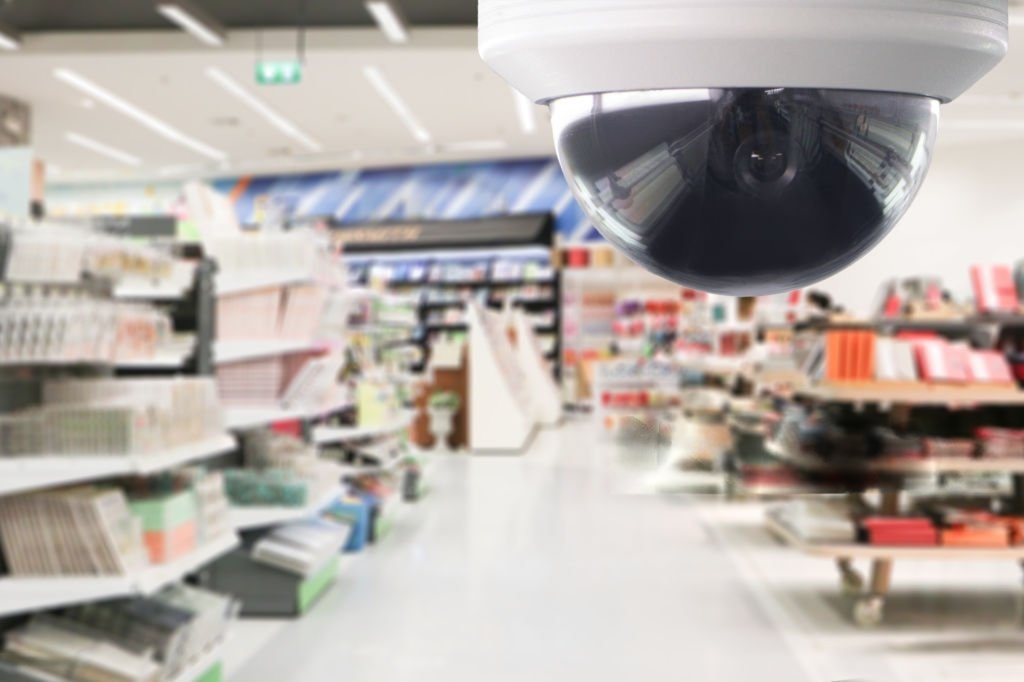
Retail spaces need to balance wide coverage with close views of important areas. Entrances help establish who entered and when. Cameras near registers may support transaction review, while views of aisles and high-value displays provide wider context. Stockrooms and rear doors may require separate coverage because they operate differently from customer-facing areas.
Effective retail security camera systems should avoid obvious blind spots created by shelving, promotional displays, or seasonal layout changes.
Cameras for Restaurants
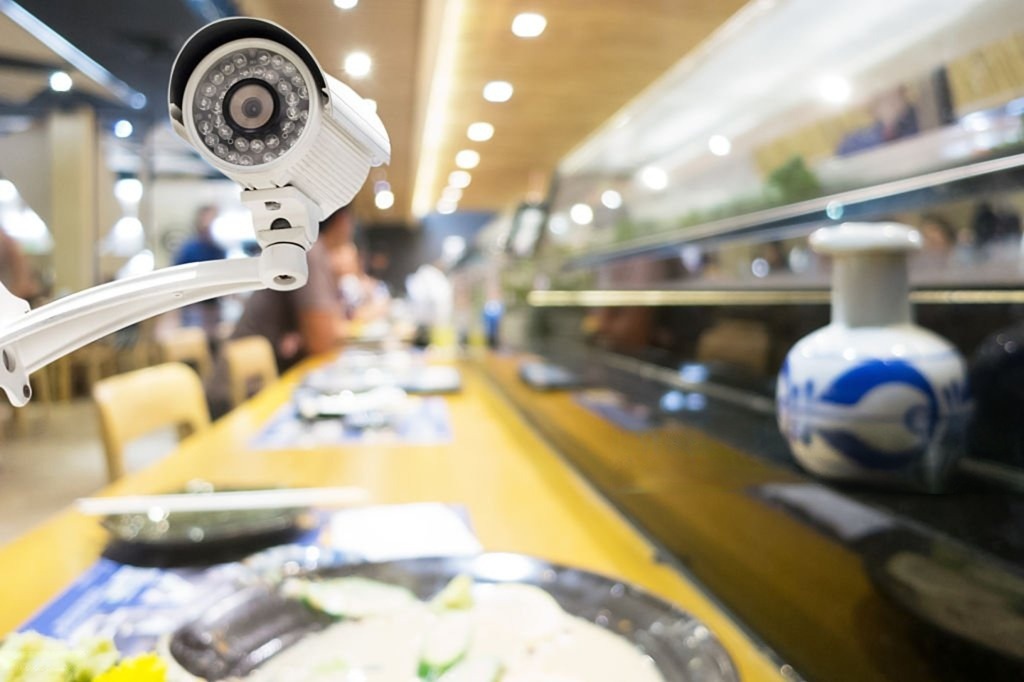
Restaurants combine public areas, cash handling, food preparation, deliveries, and employee-only spaces within one property.
A dining-room camera may help review a customer incident, but it will not show what happened at a rear delivery entrance. Register views require careful positioning. Kitchen cameras should provide useful operational visibility without obstructing work areas or equipment.
Exterior cameras may also cover parking, outdoor seating, waste areas, and late-night entrances.
Warehouse Surveillance Cameras
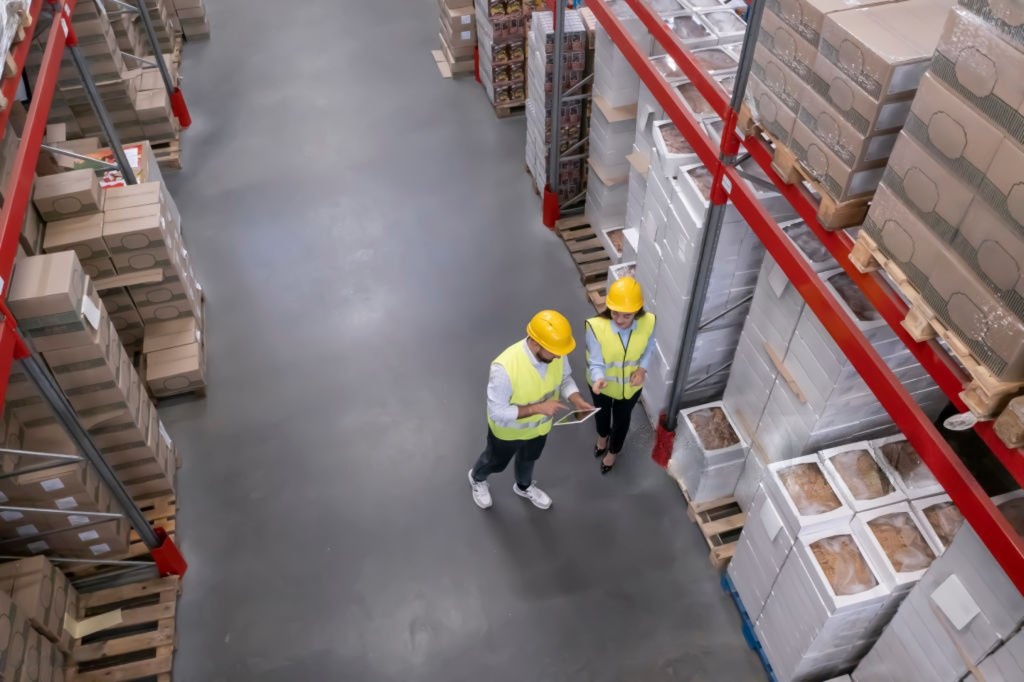
Warehouses often require coverage across larger distances and more complex layouts.
Loading docks, gates, receiving areas, inventory aisles, and employee entrances may each need a different camera type or lens. Tall shelving can create long blind corridors. Forklifts, trucks, stacked products, and changing inventory may also interrupt views.
Well-planned warehouse surveillance cameras help management review movement across the site rather than leaving isolated clips with little context.
Office Security Camera Setup
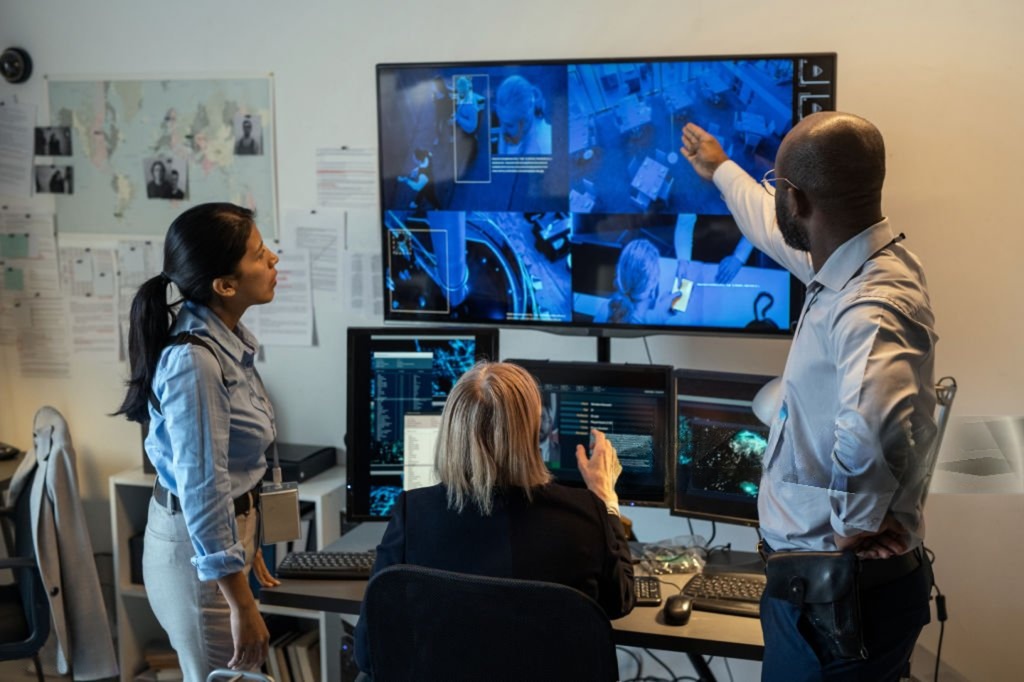
An office usually calls for a less visually dominant system.
Reception areas, exterior entrances, corridors, parking areas, and rooms containing sensitive equipment may need coverage. Camera placement should support security goals while respecting the intended use of private work areas.
An office security camera setup may also require coordination with the existing business network, remote users, and access permissions.
Remote Monitoring for Business Owners
A camera system becomes more useful when authorized users can reach the footage without returning to the property. Remote viewing may allow owners and managers to:
- Check after-hours activity
- Confirm that a delivery arrived
- Review a reported incident
- Monitor an entrance during opening or closing
- See whether weather has affected the property
- Compare activity across multiple locations
- Check cameras before contacting staff or emergency services
DigiFloridaCCTV configures compatible systems for viewing through smartphones, tablets, and computers. A business security camera installation also needs room for future change. Our commercial services include live and recorded access for businesses across Fort Myers and Southwest Florida.
What Determines Business Surveillance System Cost?
The business surveillance system cost depends on the actual property and required coverage. A small office with two entrances has a different scope from a warehouse with exterior gates, long aisles, loading docks, and a large parking area. Common cost factors include:
- Number and type of cameras
- Resolution and lens requirements
- Indoor and outdoor mounting conditions
- Cable length and accessibility
- Recorder size and storage duration
- Network work
- Remote access requirements
- Parking or license plate coverage
- Existing equipment that can be reused
- Labor required to reach ceilings, exterior walls, or detached areas
A useful estimate should explain what each camera covers, why it is positioned there, what the recorder stores, and how users will access footage.
Why No Monthly Fees Matter for Businesses
A recurring fee may appear small when considered month by month. Across several cameras, locations, or years, it becomes part of the operating budget.
At DigiFloridaCCTV, we install systems that businesses own without recurring monitoring fees. Compatible systems include remote viewing, motion alerts, and recorded-video access without requiring a monthly monitoring subscription from DigiFloridaCCTV.
Ownership offers greater cost predictability, but businesses should still confirm whether optional third-party cloud storage, cellular services, or specialized software carry separate charges.
Frequently Asked Questions
Q; How many cameras does a small business need?
There is no standard number. A small office may need cameras at entrances, reception, parking, and selected interior areas. A shop of similar size may also need checkout and inventory coverage. A site walkthrough is the most reliable way to identify useful views without adding unnecessary cameras.
Q: Do commercial security cameras require a monthly subscription?
Not always. Many systems record locally to an NVR or DVR and allow remote viewing without a recurring monitoring fee. Optional cloud storage or third-party services may have separate costs, so businesses should confirm what is included before choosing a system.
Q: Can I monitor multiple business locations from one app?
Compatible camera systems may allow authorized users to view several locations through one mobile or desktop platform. The installer should confirm equipment compatibility, network requirements, user permissions, and how each location will be organized within the app.
Q: Is professional installation necessary for a business camera system?
Professional installation is valuable when the property has several cameras, long cable routes, difficult mounting areas, parking coverage, network integration, or important incident-recording requirements. A trained installer can test camera views, reduce blind spots, organize cabling, configure recording, and set up remote access around the way the business operates.
Schedule a Free Commercial Security Estimate
The real test of a camera system comes after something happens. Can the owner find the correct footage? Does the angle show the event clearly? Can an authorized manager reach it from another location? Does the system cover the areas the business assumed were protected?
DigiFloridaCCTV has served Fort Myers and Southwest Florida since 2013, providing camera systems for retail stores, restaurants, warehouses, offices, parking areas, and other commercial properties. Our local team offers free on-site assessments and plans each commercial security camera installation around the property’s layout, operating hours, access points, and business risks.
Request a free estimate to review your current coverage, identify blind spots, and develop a system that gives your business useful answers when they matter. You can also learn more about what a complete security system really costs in Fort Myers before planning your installation.